
Younhee Han

Kindle carries fifteen million books and one layout: a column of text, with images scaled down between the paragraphs. That works for a novel, not for a book you bought because of how it looks. Kindle TV moves those books to the screen that can actually hold an image, and leaves the phone the job a remote handles worst: aiming a loupe at one spot inside the picture.

Role

Platform

Tools

Kindle TV

Look at a book the way you look at a picture.

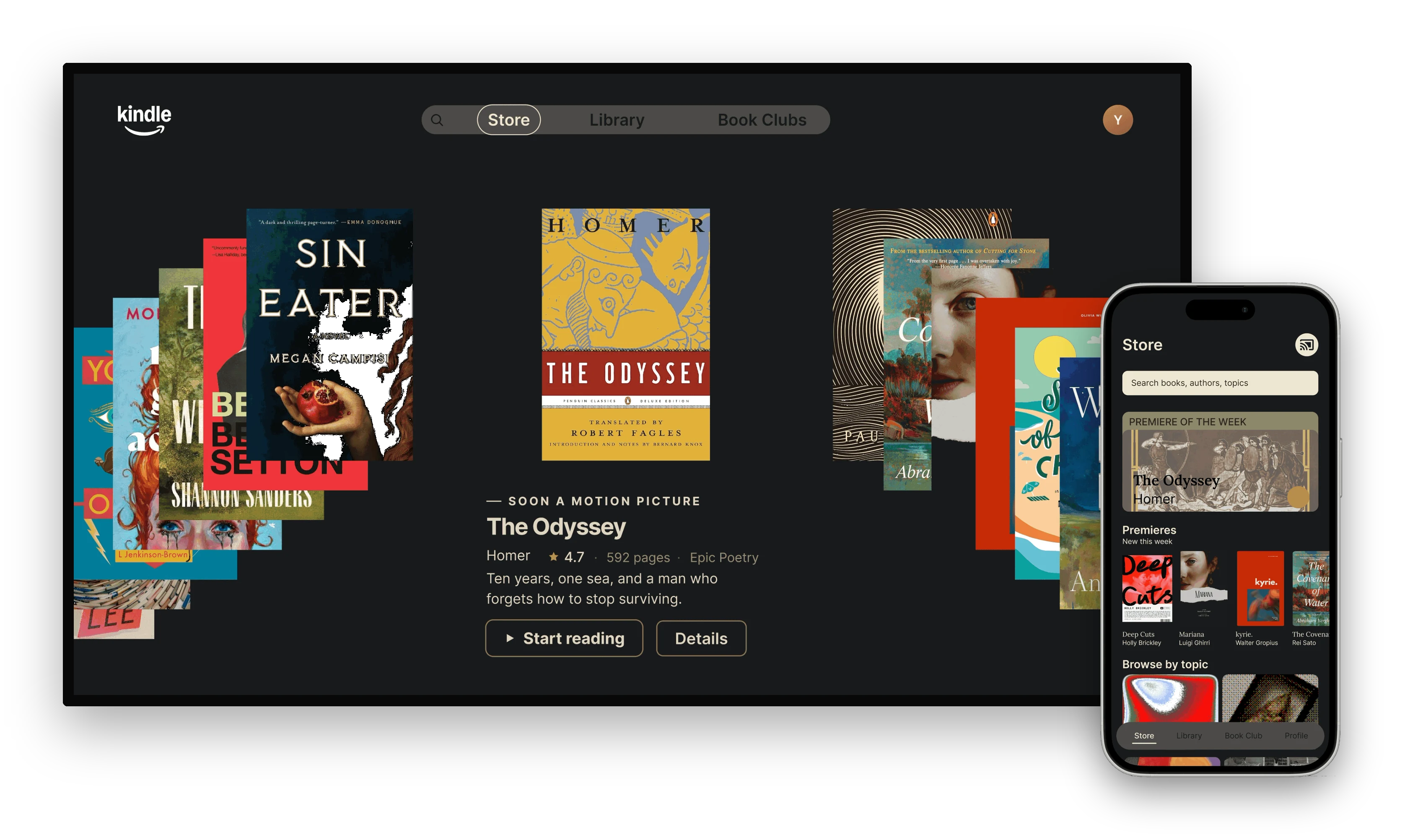
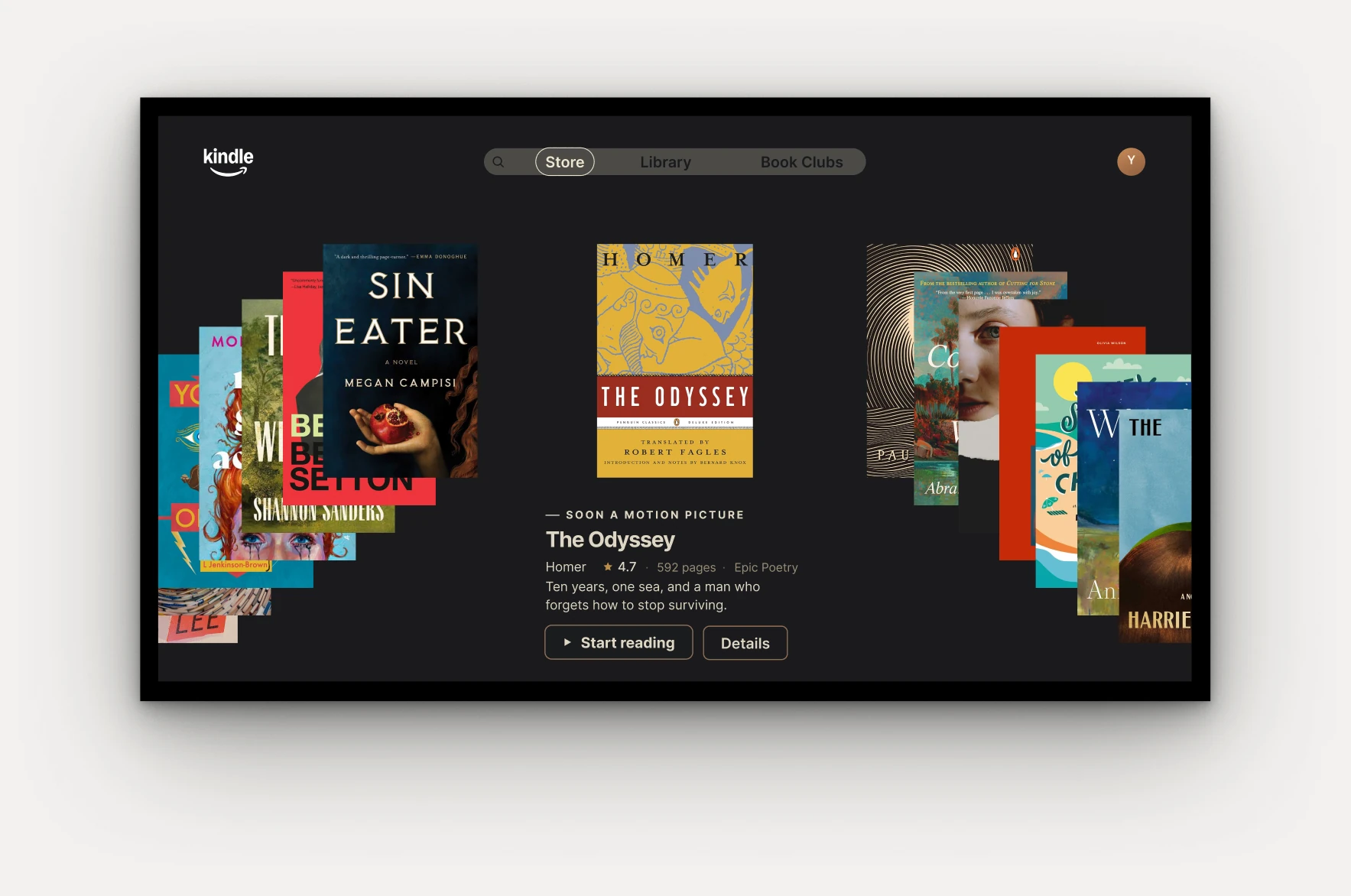
Kindle TV on a television, the discovery home as a wall of covers, with the phone app overlapping its corner

01 · What Kindle carries today

Kindle is not one format any more.

Three ways to take in a book, one icon.

15M+

books

750K+

audiobooks

45K+

comics and manga

4M+

in Kindle Unlimited

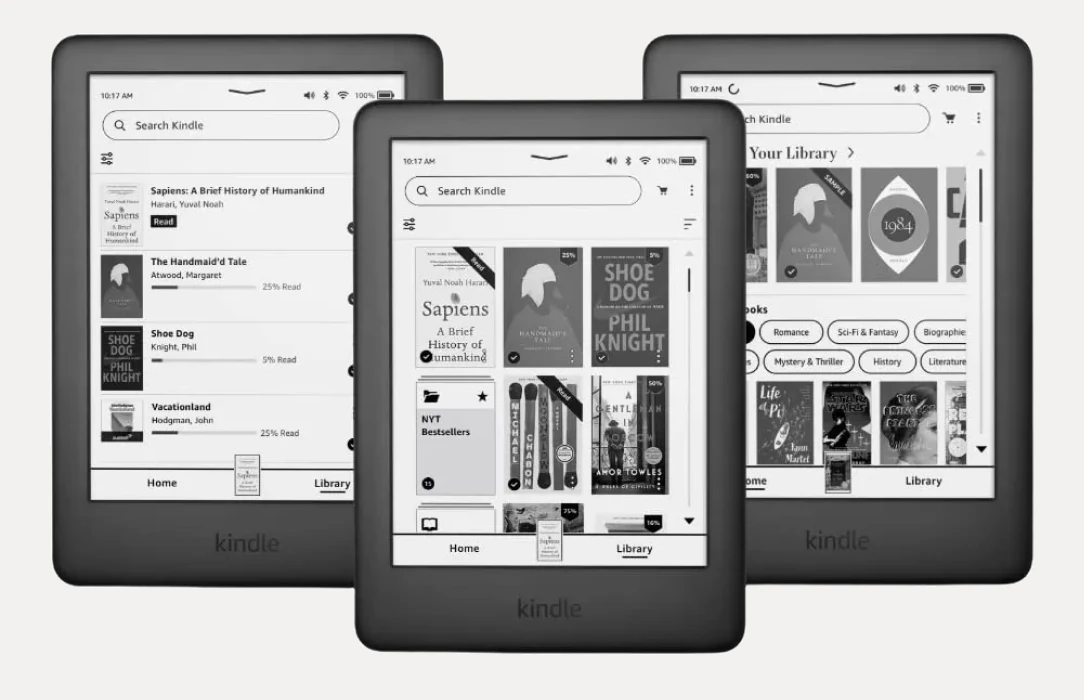
Every Kindle e-reader ever made, shown to scale Kindle devices showing text, audiobook and comic formats A book plate filling a television screen

Every Kindle ever made, to scale. All of it fits in one hand.

Read it, listen to it, look at it.

Only looking needs the room.

02 · Research

Four kinds of reader.

  • Casual readers who read when they have time or feel motivated
  • Digital readers who use phones, tablets, or reading apps
  • Students who balance reading with school, work, and other responsibilities
  • Social readers who discover or discuss books through friends, reviews, or online spaces
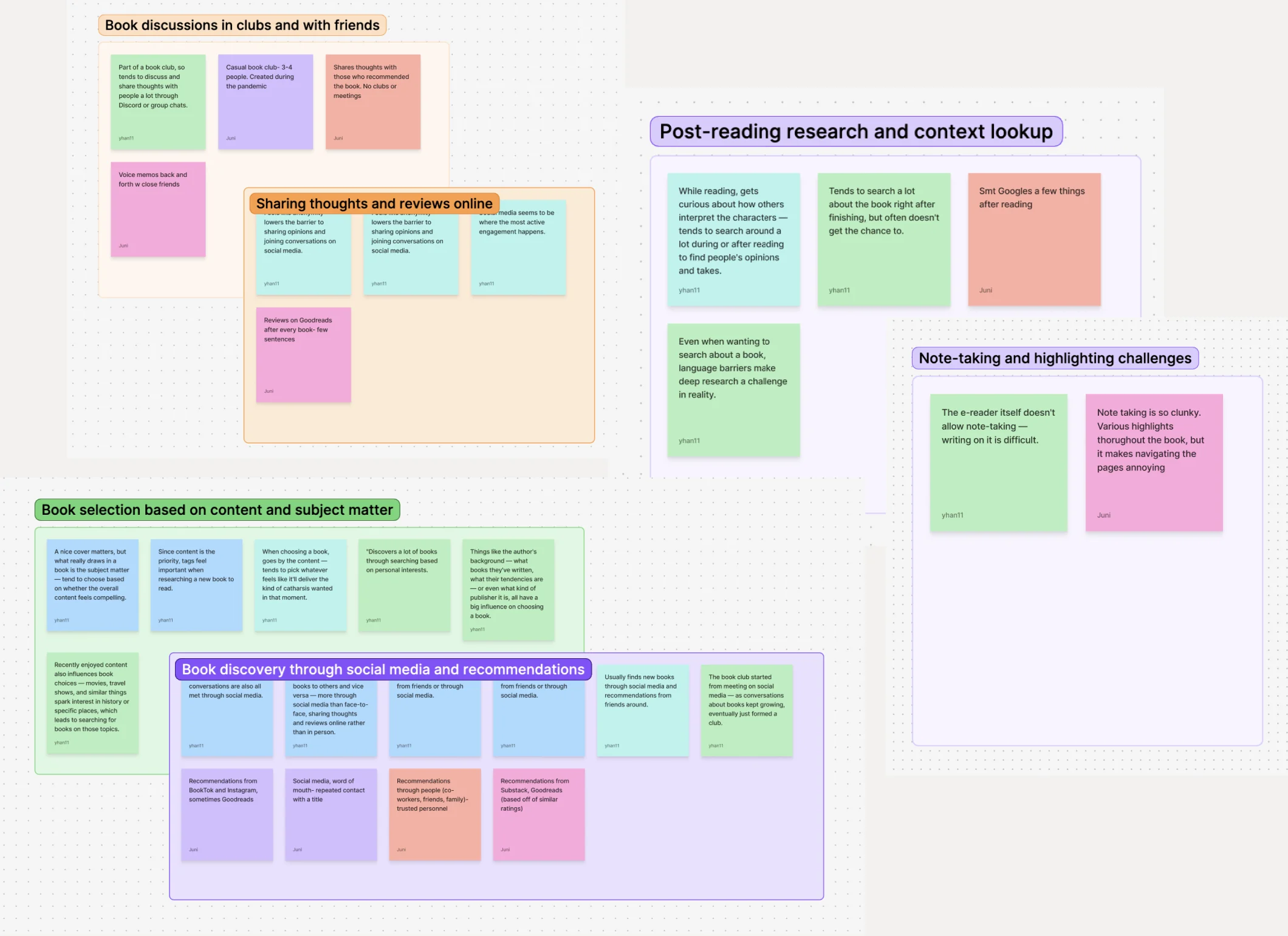
Affinity map of interview notes grouped by book discovery, selection, note-taking, post-reading research, sharing and book clubs

03 · The problems

Three things Kindle still makes hard.

The third has never been treated as a design problem.

Finding the next book

Browsing is a grid of small covers and titles you already have to know. Interest fades before a choice is made.

Keeping what you found

Highlights collect in a flat list with no shape. After the last page, nothing carries the book forward.

Holding every kind of book

Kindle carries novels, cookbooks and design monographs alike. One text-first frame has to serve them all.

The key insight

“Kindle can hold a book's words but not its images, and every friction a reader feels traces back to that gap.”

04 · The product

The TV shows. The phone aims.

Two devices, one job each. Five steps, from the shelf to the last page.

TV + Mobile
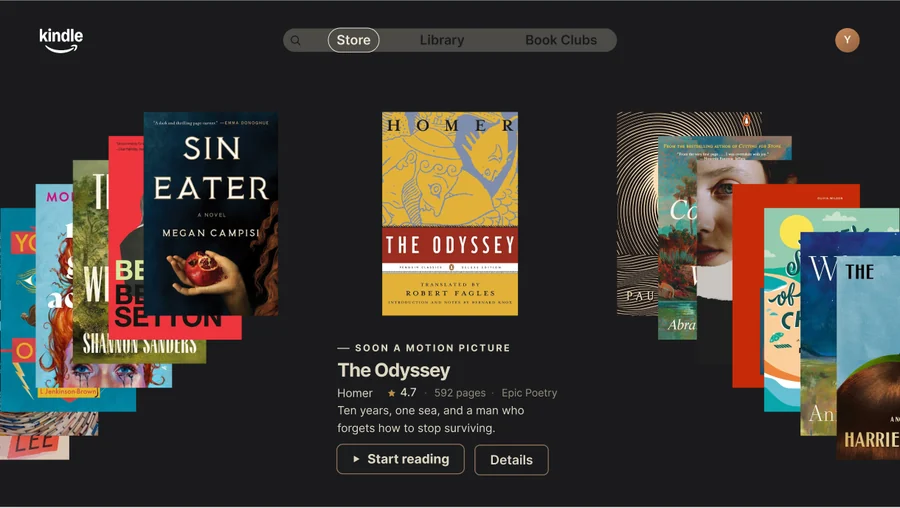
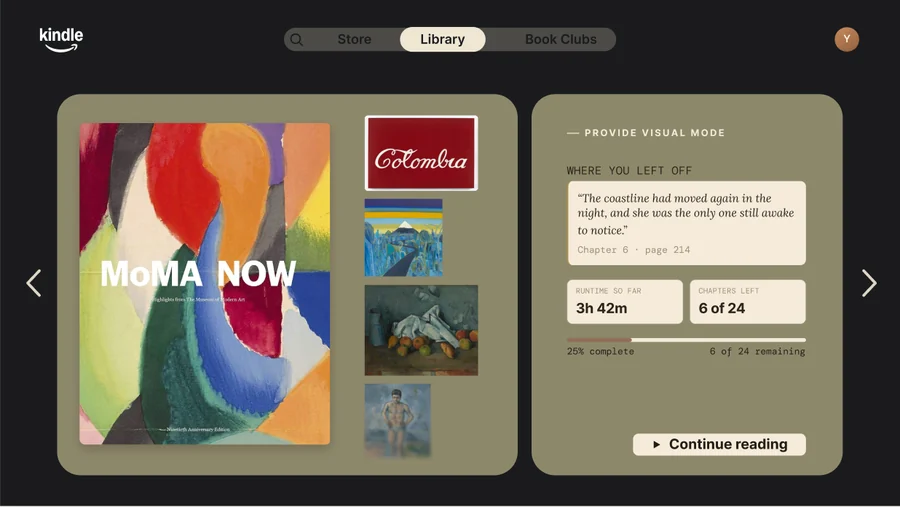
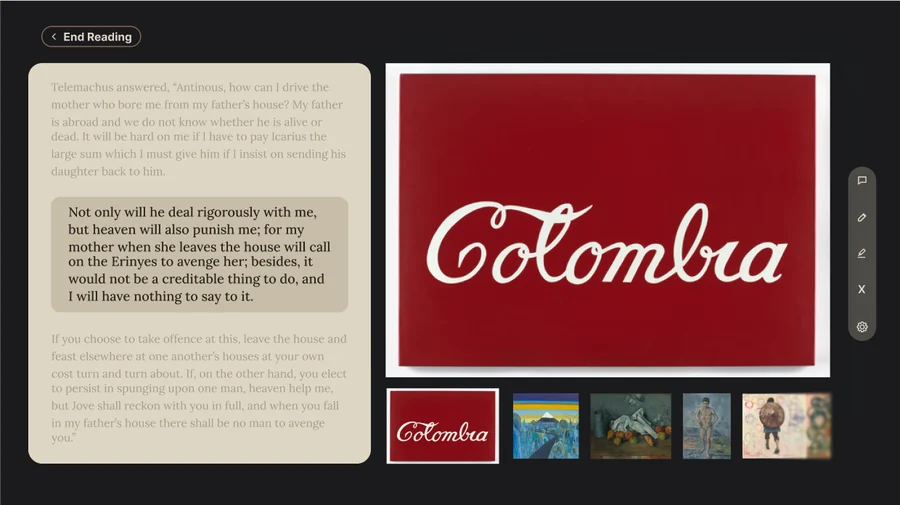
TV: discovery home, a wall of covers TV: book detail TV: reading view, prose beside the plate TV: image reading, the plate filling the screen TV: wrap-up screen

Discover

Book detail

Reading

Image reading

Wrap-up

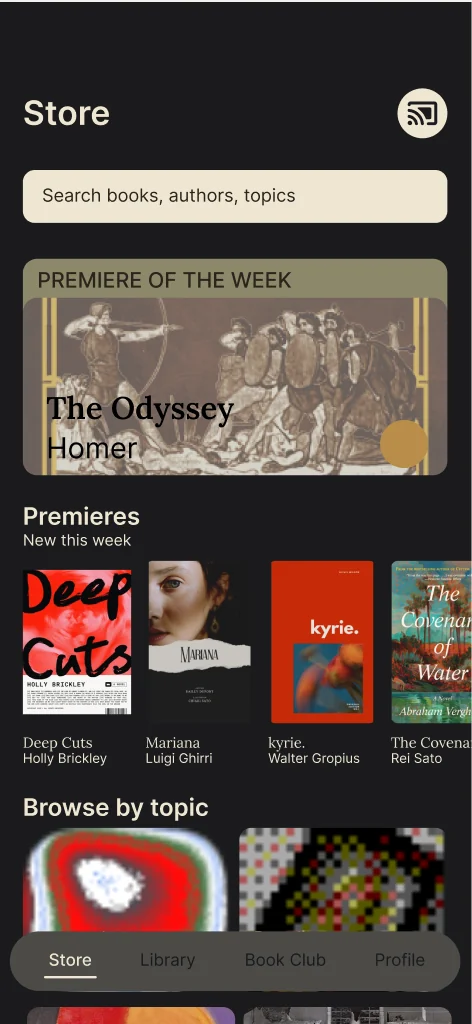
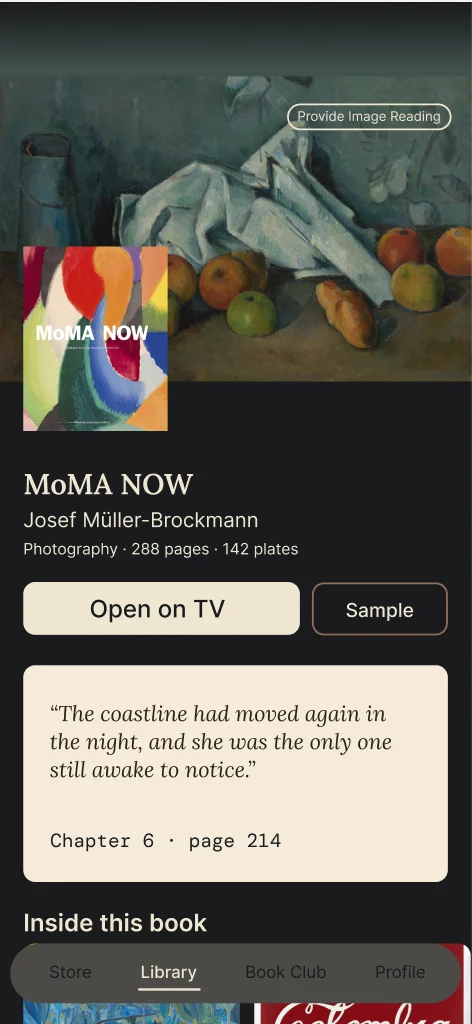
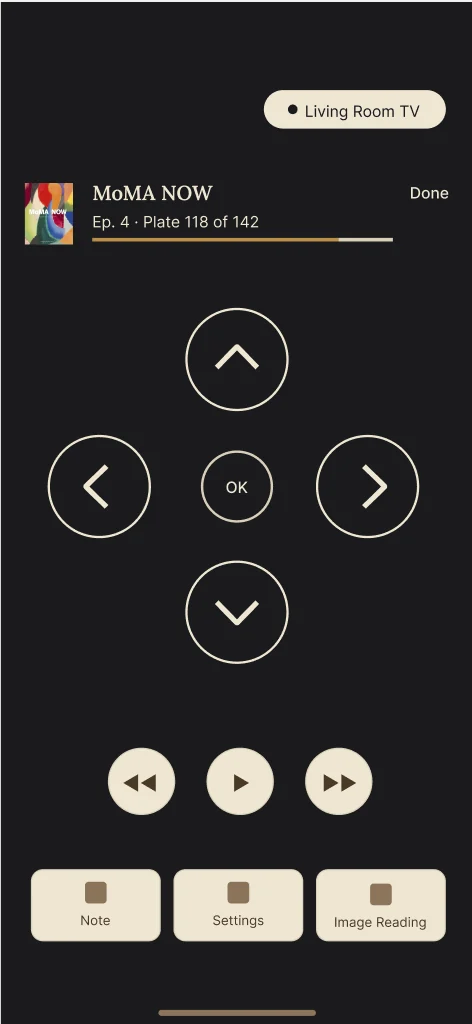
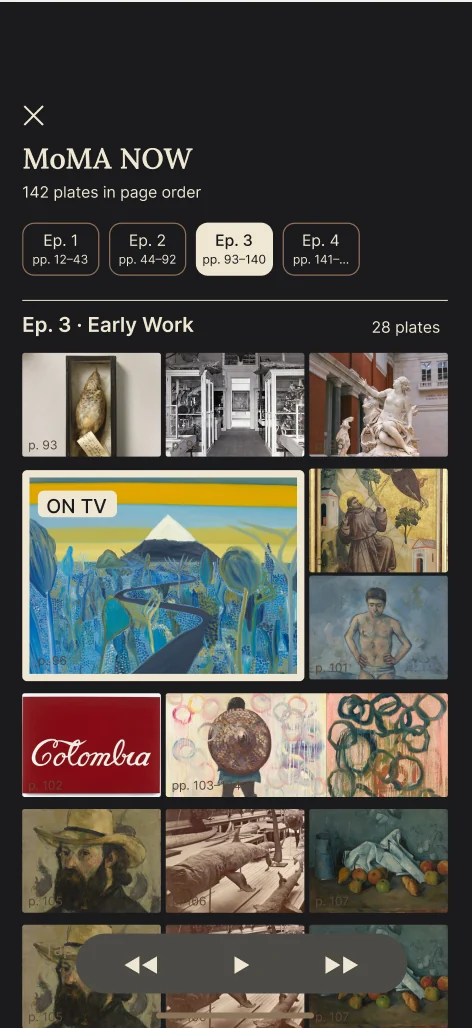
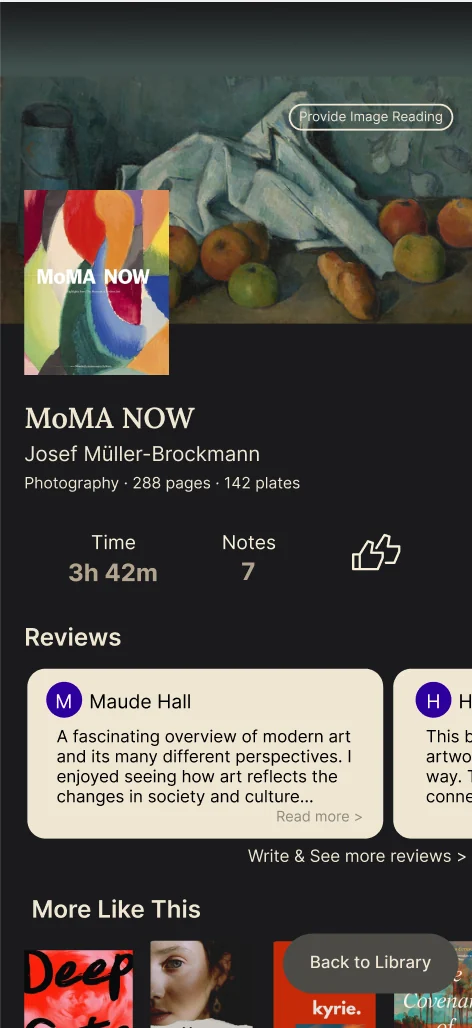
Phone: store Phone: book detail with Open on TV Phone: remote with direction pad and playback Phone: plate gallery, tap a plate to send it to the TV Phone: finished book with reviews

From thought to screen

Seven thoughts, each one on screen.

The finished prototype, recorded on the TV and the phone.

The thought

Finding the next book

Browsing is a grid of small covers and titles you already have to know. Interest fades before a choice is made.

01 · On screen

Discovery home

Covers carry the first impression, so the home screen is nothing but covers. Browse by cover, then sample before you commit.

Screen recording of the TV home screen: covers fanning past the focused book Screen recording of the phone store, browsing in step with the TV

The thought

Not a second screen

The phone never shows the book. It carries the parts that need a fingertip, like pointing, framing, and saving, and leaves the looking to the wall.

02 · On screen

Connect TV

One code pairs the two devices. The television opens the book the moment the code is accepted.

Screen recording: the TV shows a pairing code and the phone enters it to connect

The thought

Built for ten feet away

One constraint: a remote and three metres of air.

03 · On screen

Auto Reading

Text advances on its own. The remote only pauses it, or changes the pace — reading becomes something you watch, not something you operate.

Screen recording: from the home screen into a book, the text advancing paragraph by paragraph on its own

The thought

The composition survives

A handheld cuts a two-page composition in half. A wide screen gives it back.

04 · On screen

Image Reading

The plate fills the screen and the text drops to a caption. A plate printed the width of two hands now opens across the room.

Screen recording: opening an art book from the library and moving into full-screen image reading

The thought

Close up, still in place

The layout stays on the wall; the phone drives a loupe inside it.

05 · On screen

The wall gives the size. The hand gives the aim.

The phone moves a loupe across the spread, so detail and context stay on the wall together. One reading, two instruments.

Screen recording: the phone sends a plate to the TV, the plate fills the screen and a loupe moves across it

The thought

Keeping what you found

Highlights collect in a flat list with no shape. After the last page, nothing carries the book forward.

06 · On screen

Note taking, then Wrap-up

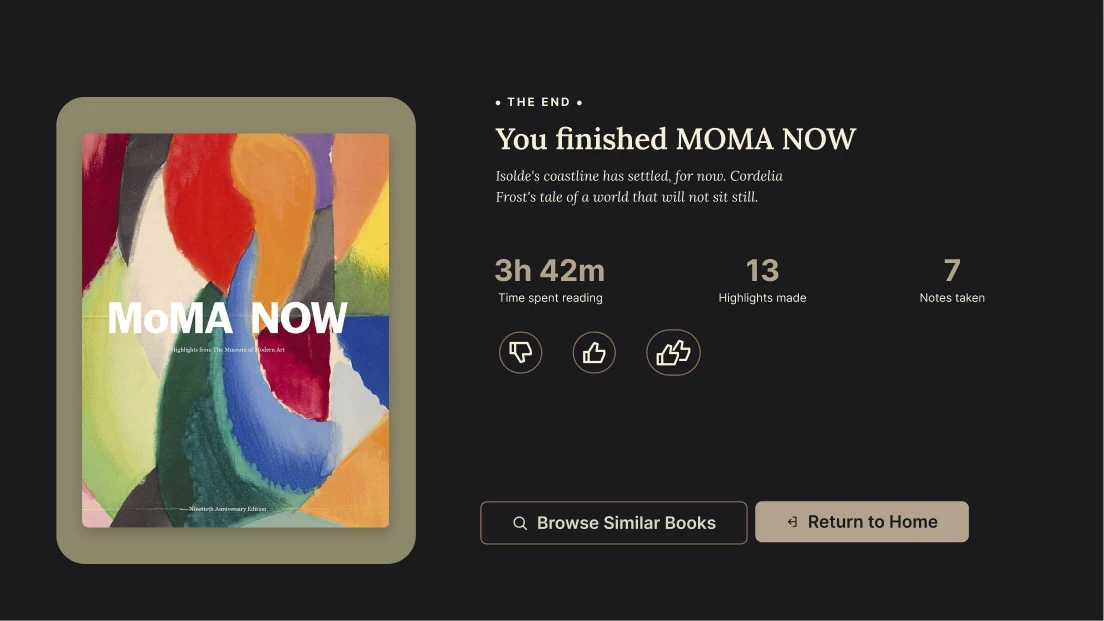
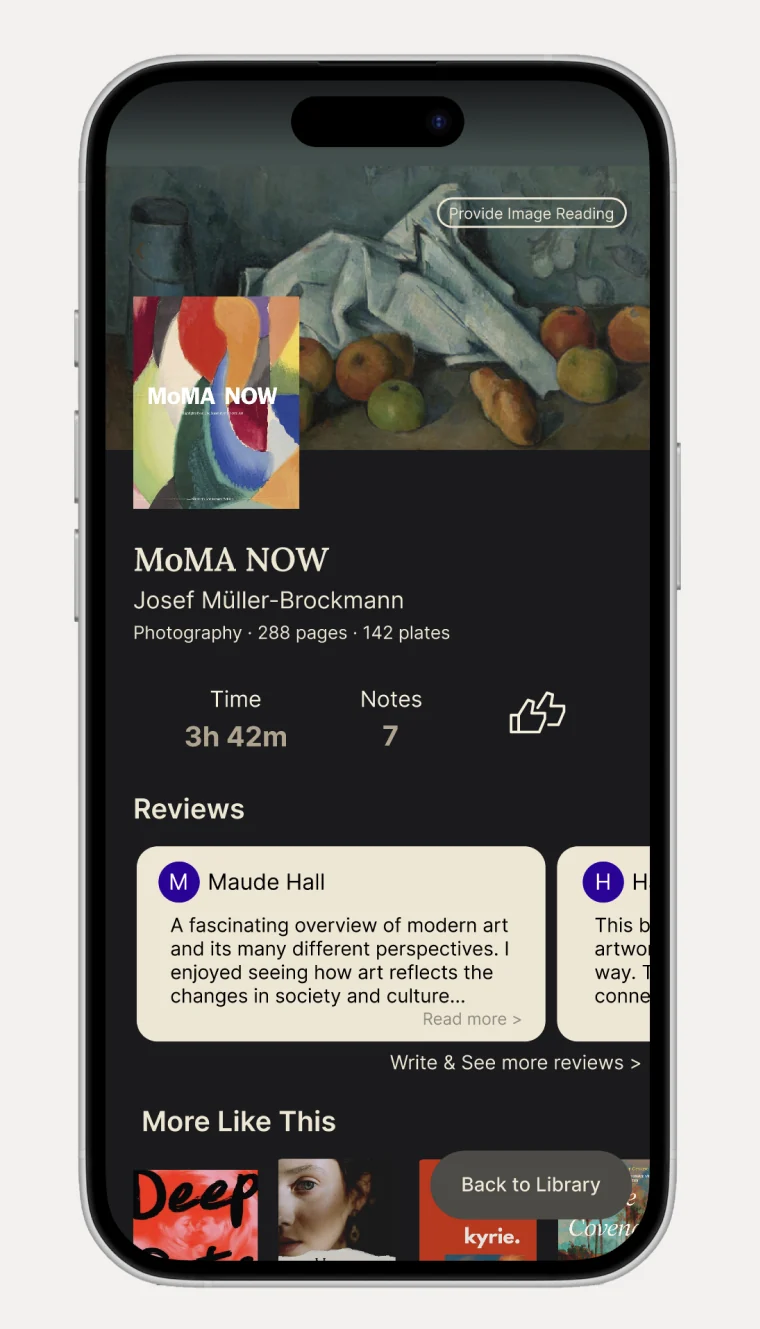
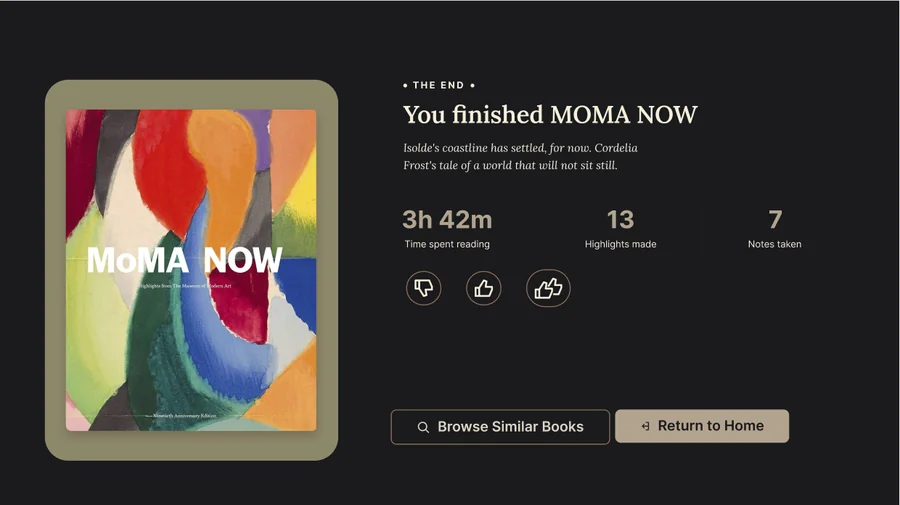
A note is pinned to the paragraph in focus and typed on the phone, while the page stays on the wall. At the last page the session is counted: time, highlights, notes.

Screen recording: reading on the TV while the phone remote opens a note on the current paragraph
TV wrap-up: You finished MoMA NOW, with time spent reading, highlights made and notes taken Phone wrap-up: the finished book with reviews and similar books

The thought

Look at it together

One plate, several people, no one holding anything.

07 · On screen

Book Club

Members read apart, then meet in front of one screen. Each session opens with “Previously on” and closes into the archive.

Screen recording: the Book Clubs tab, opening a club and its session

05 · Takeaway

Kindle made the library portable.
Kindle TV shows the same books at full size
to everyone in the room.

“A rich and joyful reading experience.”